The most important abbreviations for a simple CW QSO:
CQ
General call to all stations
DE
From – followed by your own callsign
K
Please transmit; any station may reply
KN
Only the station addressed should reply
PSE
Please
AGN
Again / please repeat
R
Roger / received correctly
RST
Readability, signal strength and tone
QTH
Station location
QRA
Station name
QRZ?
Who called me?
QSL?
Did you receive and confirm?
QRS
Please send more slowly
QRQ
Please send faster
QSY
Change frequency
QRM
Interference from other stations
QRN
Atmospheric interference
FB
Fine business – very good
TNX
Thanks
GM/GA/GE
Good morning / afternoon / evening
OP
Operator's name
BK
Break / back to the other station
AS
Please wait
KA/CT
Start of message; sent as one continuous prosign
AR/+
End of message; AR and plus use the same Morse sequence
SK
End of traffic / end of contact
73
Best regards
How to conduct a CW QSO
YouOther station
You start with CQ.
Example covering the call, greeting, report, name, QTH and sign-off. DL1ABC is the example station.
1. You call:CQ CQ CQ DE YOUR CALLSIGNYOUR CALLSIGN K
2. The other station replies:YOUR CALLSIGN DE DL1ABC DL1ABC K
3. You greet them and send your report:DL1ABC DE YOUR CALLSIGN GM TNX FER CALL. UR RST 579 579. NAME IS YOUR NAME. QTH VIENNA. HW? DL1ABC DE YOUR CALLSIGN KN
4. The other station replies:YOUR CALLSIGN DE DL1ABC GM TNX. UR RST 589 589. NAME IS ALEX. QTH BERLIN. HW? YOUR CALLSIGN DE DL1ABC KN
5. You sign off:DL1ABC DE YOUR CALLSIGN FB ALEX, TNX FER QSO. 73 ES GL. DL1ABC DE YOUR CALLSIGN AR SK
6. The other station closes:YOUR CALLSIGN DE DL1ABC TNX FER QSO. 73 ES GL. YOUR CALLSIGN DE DL1ABC AR SK
1. The other station calls:CQ CQ CQ DE DL1ABC DL1ABC K
2. You reply:DL1ABC DE YOUR CALLSIGNYOUR CALLSIGN K
3. The other station greets you:YOUR CALLSIGN DE DL1ABC GM TNX FER CALL. UR RST 589 589. NAME IS ALEX. QTH BERLIN. HW? YOUR CALLSIGN DE DL1ABC KN
4. You send your report:DL1ABC DE YOUR CALLSIGN GM TNX. UR RST 579 579. NAME IS YOUR NAME. QTH VIENNA. HW? DL1ABC DE YOUR CALLSIGN KN
5. The other station signs off:YOUR CALLSIGN DE DL1ABC FB YOUR NAME, TNX FER QSO. 73 ES GL. YOUR CALLSIGN DE DL1ABC AR SK
6. You close:DL1ABC DE YOUR CALLSIGN TNX FER QSO. 73 ES GL. DL1ABC DE YOUR CALLSIGN AR SK
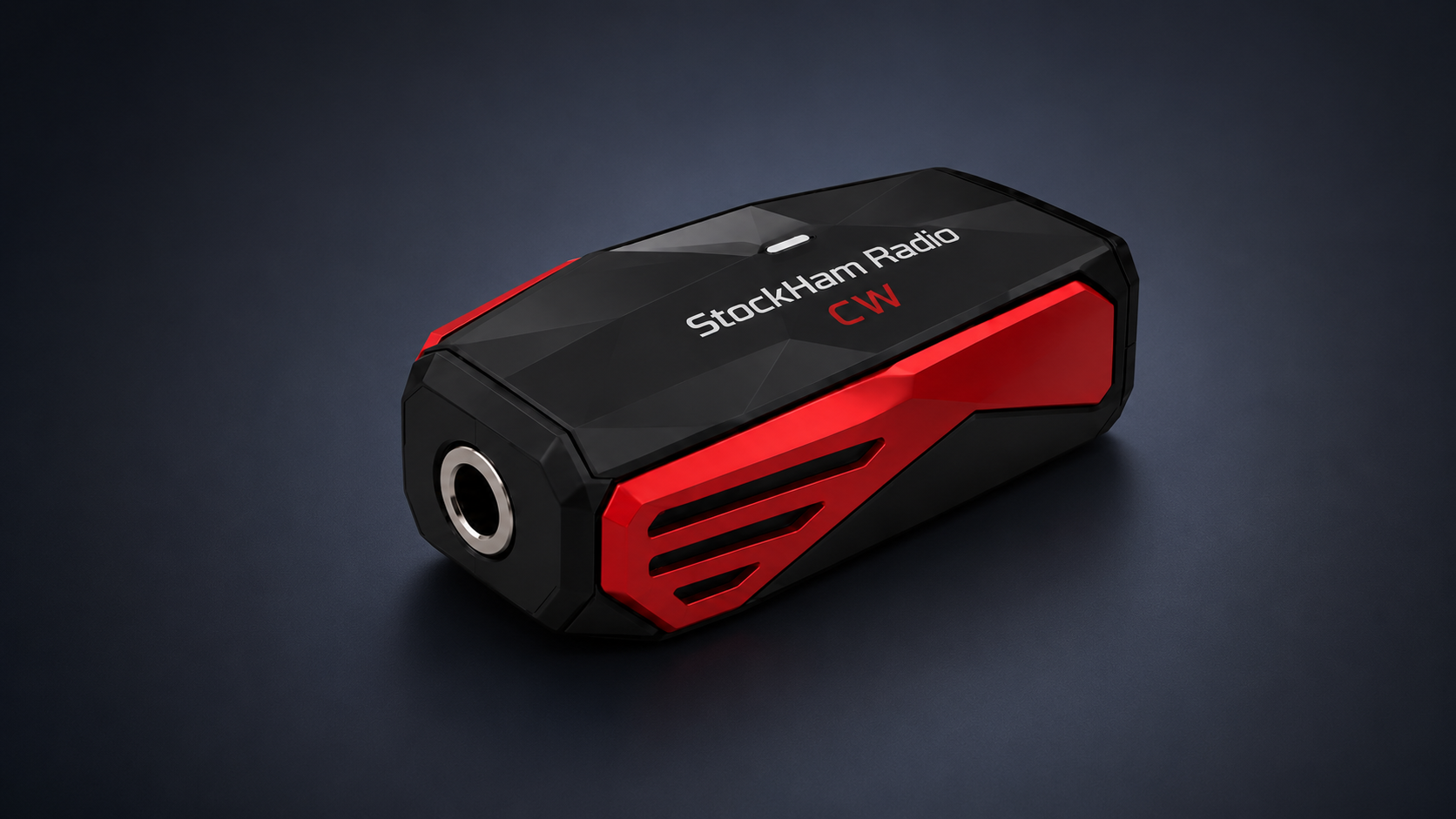
Please connect the CW dongle first. Only then will login with callsign or nickname be enabled.
or
Status: waiting for dongle.
Login
Click on the map to set latitude and longitude.
Reset password
Enter your email address. You will receive a reset code by email. Then enter the code and the new password here.
Note:
Without a connected Dongle, the chat remains locked. Email and password are required so you can sign in later on another PC, in the Windows app, or on a smartphone.
GPS data is optional, but very useful for the user map.
Current room
-
MORSE FROM DONGLE
TEXT FROM DONGLE
RX/TX idle
Text
NEWS
No new notices.
Template texts
Select text = the window closes and the text is sent immediately to the current room. You can save up to 10 texts.